
How to Use IcoMoon: The Full App Tutorial
The short version: open the IcoMoon app, click the icons you want, hit Generate Font, then Download — you get a zip with font files, a ready stylesheet and a working demo page. The whole round trip takes about 5 minutes for a typical set of 20–30 icons. The longer version, with the details that trip people up, is below.
Step 1 — Select (or import) your icons
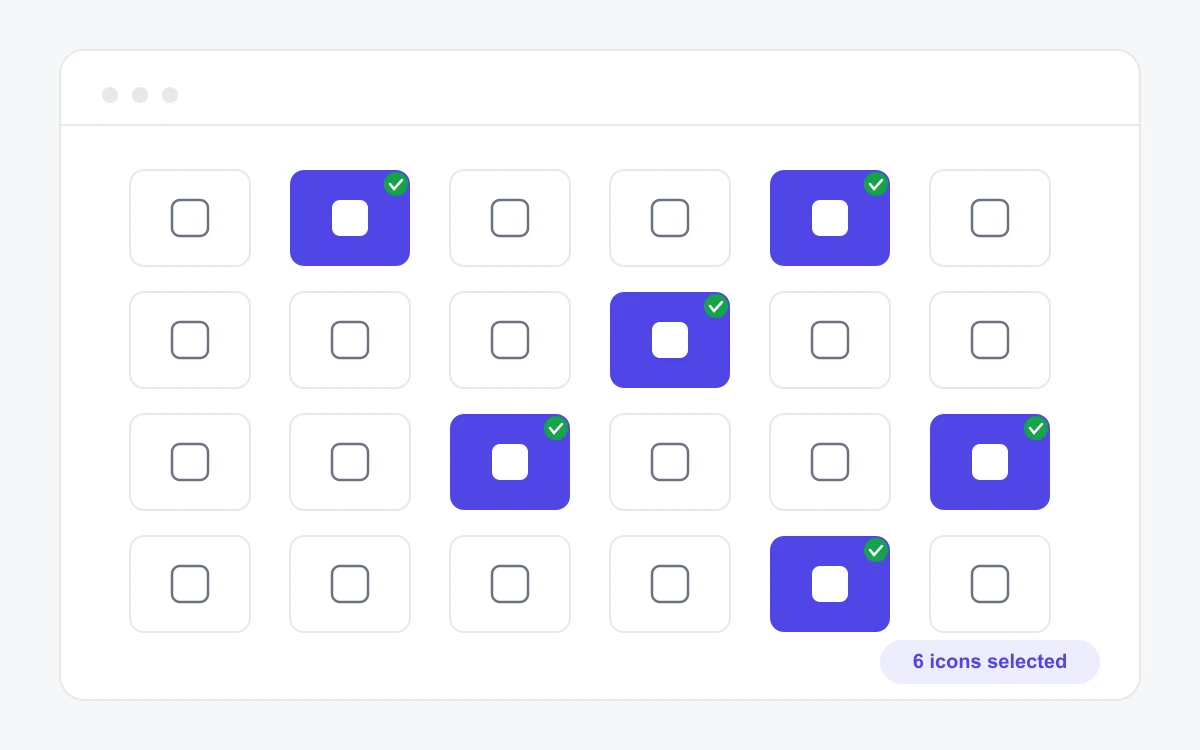
Open the app at icomoon.io/app — no account needed. The IcoMoon Free set (491 icons) sits at the top; click any glyph to toggle it into your selection. To use your own artwork, hit Import Icons and drop in SVG files — they land in an "Untitled Set" you can select from just like the built-in library. The selection counter in the bottom bar keeps a running total.
Step 2 — Generate the font
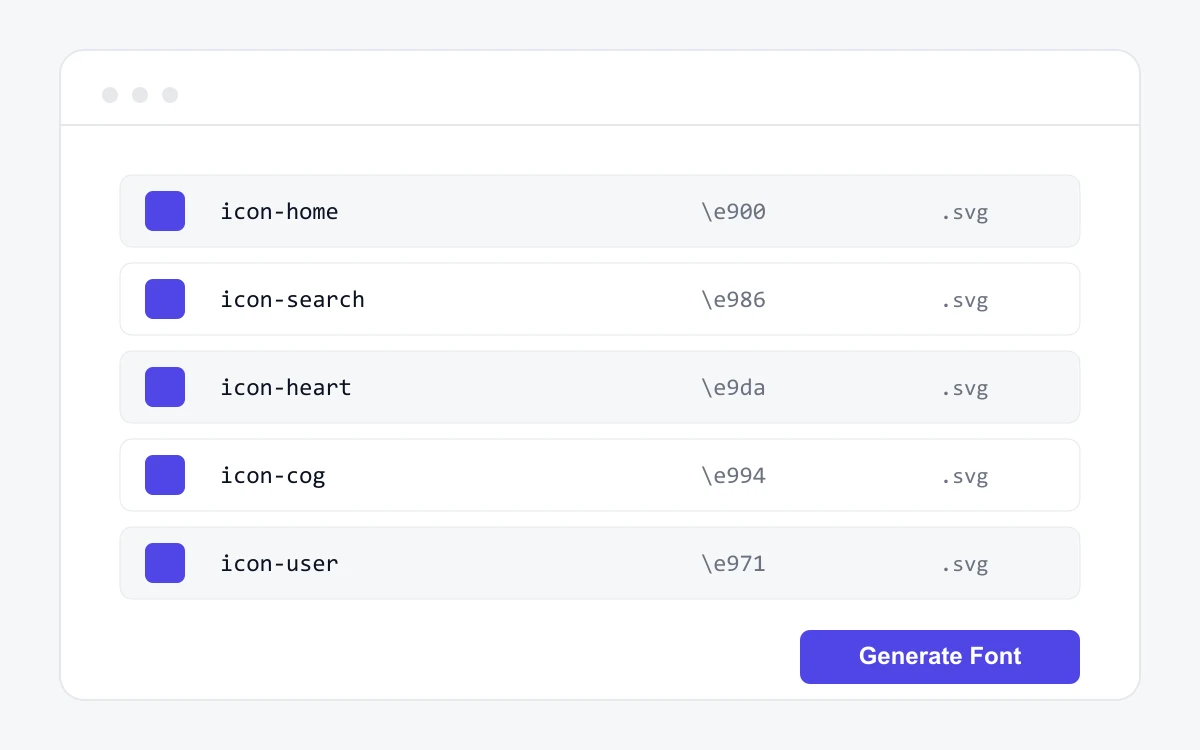
Click Generate Font in the bottom bar. This screen is worth a minute: every glyph shows its CSS class name and unicode code point (Private Use Area values like \e900, so they never collide with real text). Rename anything unclear now — the names become your CSS classes. Under Preferences you can change the icon- class prefix and the font name before exporting.
Step 3 — Download and inspect the export
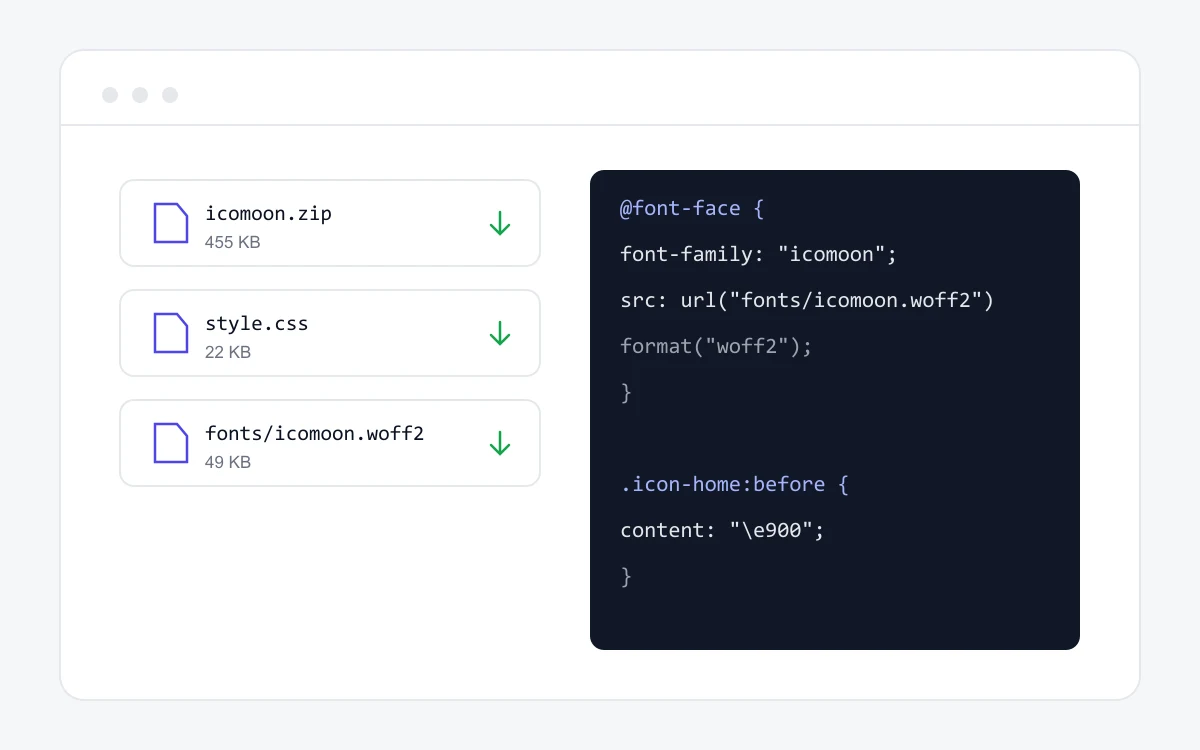
Hit Download and unzip. Inside: a fonts/ folder (WOFF2, WOFF, TTF), a generated style.css with the @font-face rule and one class per icon, a demo.html you can open to sanity-check everything, and selection.json. Do not delete that last file: import it back into the app later and your whole project — names, codes, settings — comes back exactly as you left it. It is the app's save file.
Step 4 — Wire it into your project
Copy fonts/ and style.css into your codebase, link the stylesheet, and drop <span class="icon-home"> wherever you need a glyph. If you just want the complete 491-icon set without running the generator, grab the ready-made files from our download page — same formats, zero clicks in the app.
Icons not showing up?
Ninety percent of blank-square problems are the font path: the url("fonts/…") in style.css is relative to the CSS file, not the page. Check the network tab for a 404 on the font file first, then hard-reload to rule out a stale cache. If the font loads but glyphs are wrong, your class prefix or unicode values changed between exports — re-import selection.json and regenerate.
Outgrowing the free set? The Ultimate pack runs $59 one-time — see what every paid tier costs on our pricing breakdown, or go straight to the source: